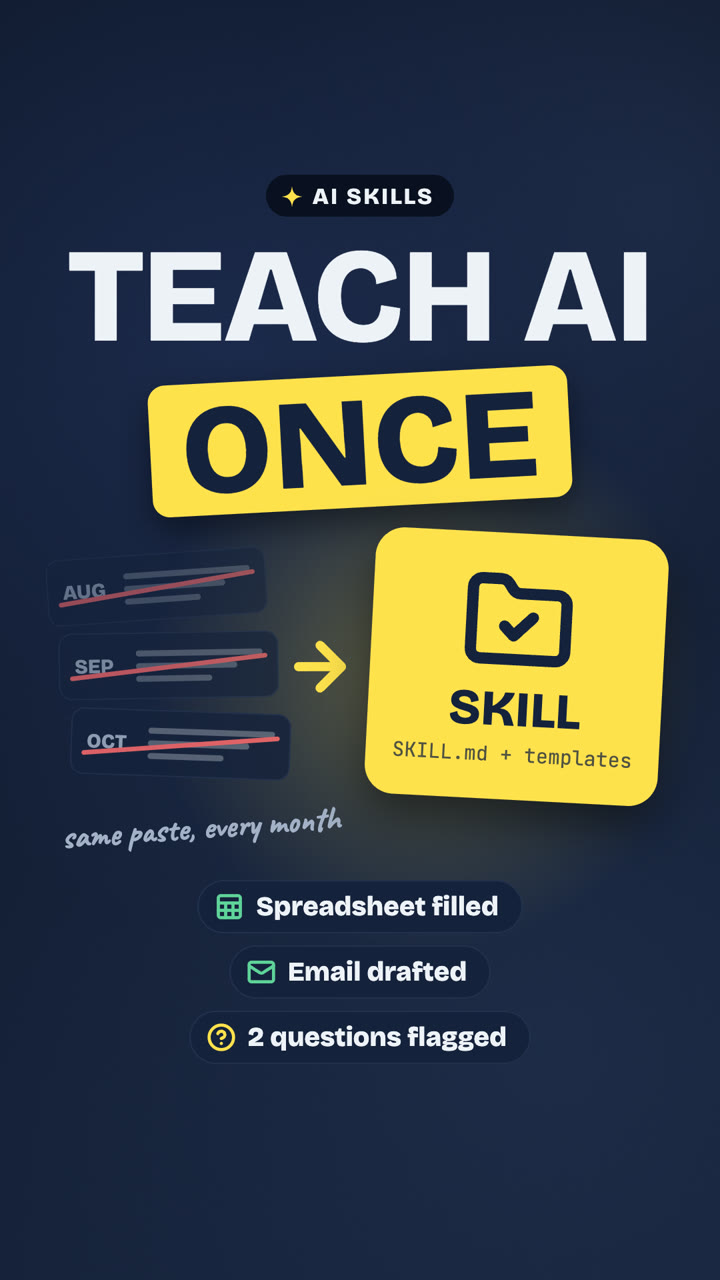
Same task every month? Make it a Claude skill
A skill saves the steps and templates for one repeated job. We tested one with a fictional freelancer's monthly pack for their accountant, and a person still checks the result.
Read the note →A notebook on AI, automation, finance & learning
Practical, tested, no hype. Real examples, explained step by step, so you can try them yourself.
A skill saves the steps and templates for one repeated job. We tested one with a fictional freelancer's monthly pack for their accountant, and a person still checks the result.
Read the note →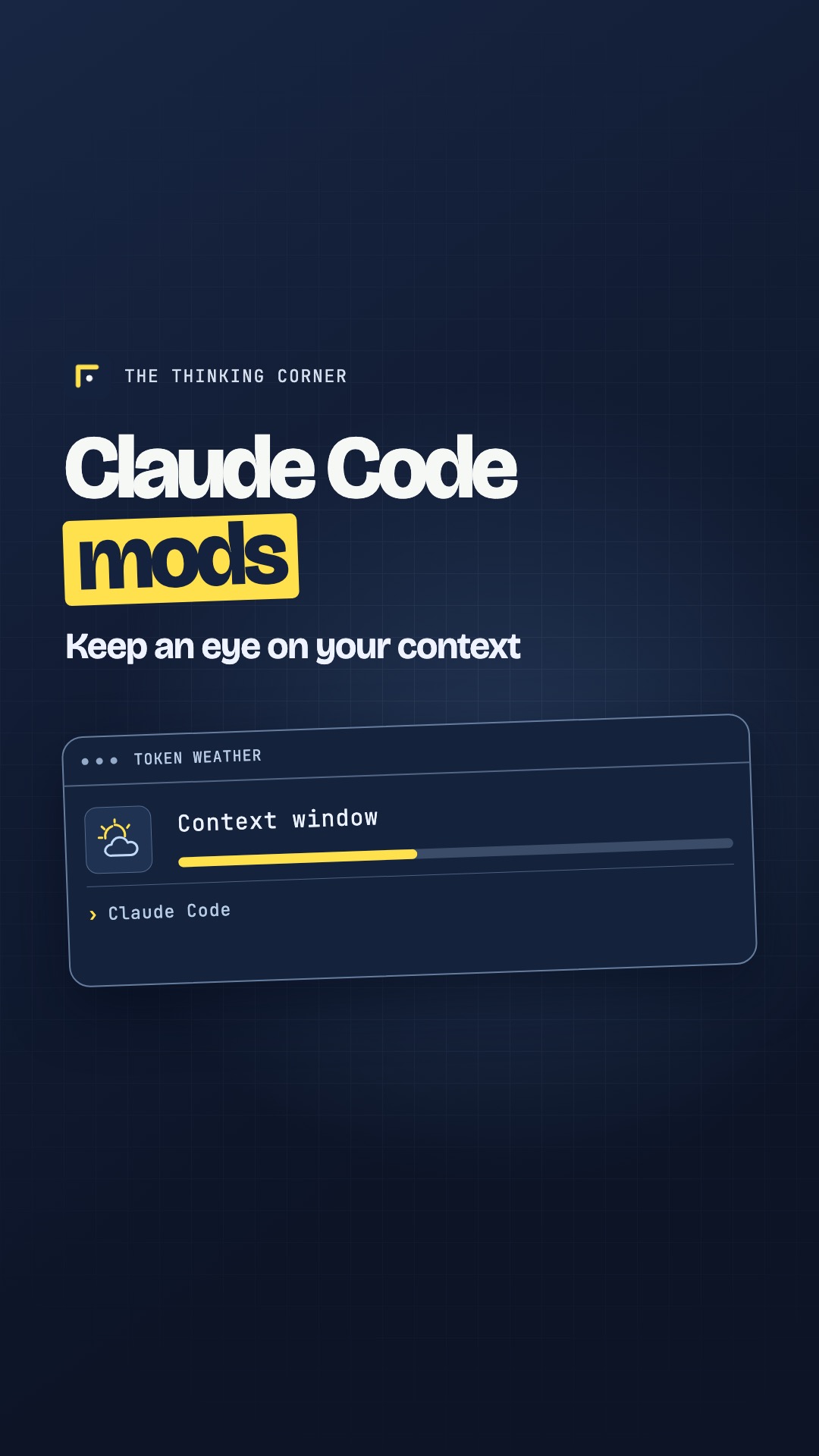
See how Token Weather displays context use and how a custom panel can put your tasks beside the chat.
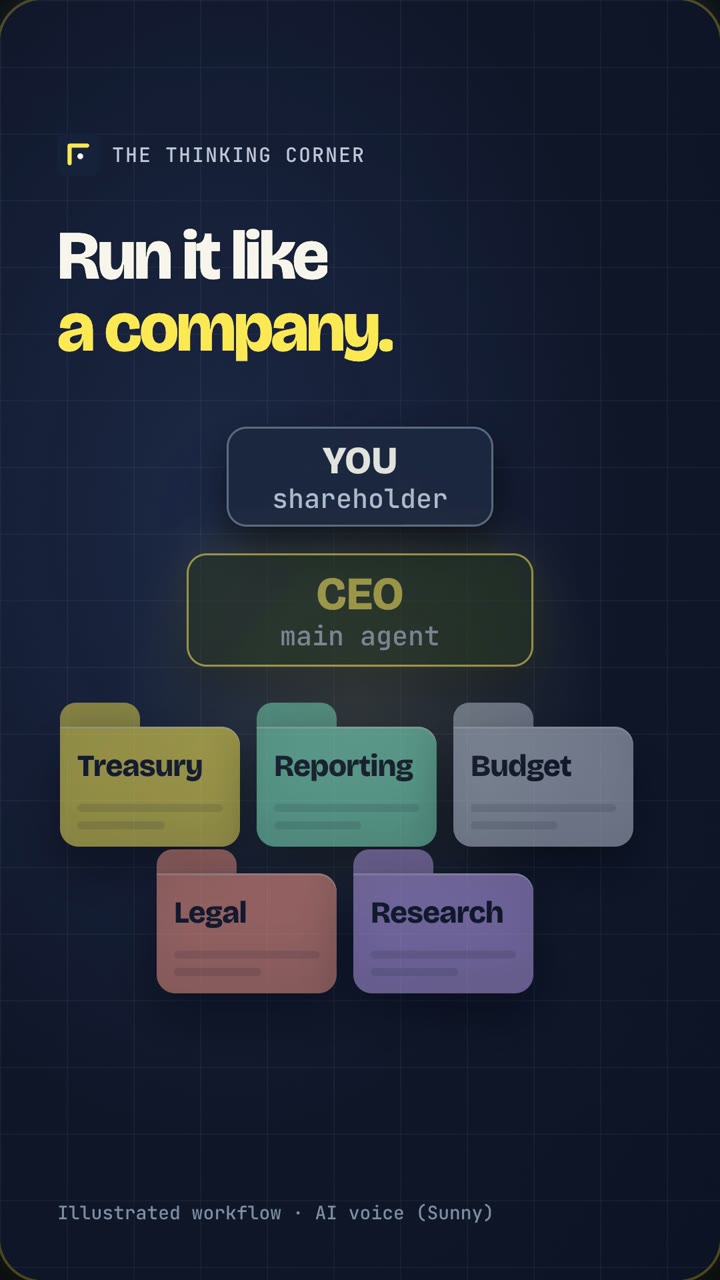
Give every agent a clear role, let a main agent coordinate the work, keep irreversible decisions with you, and bring in the whole team only when the task is worth the extra tokens.
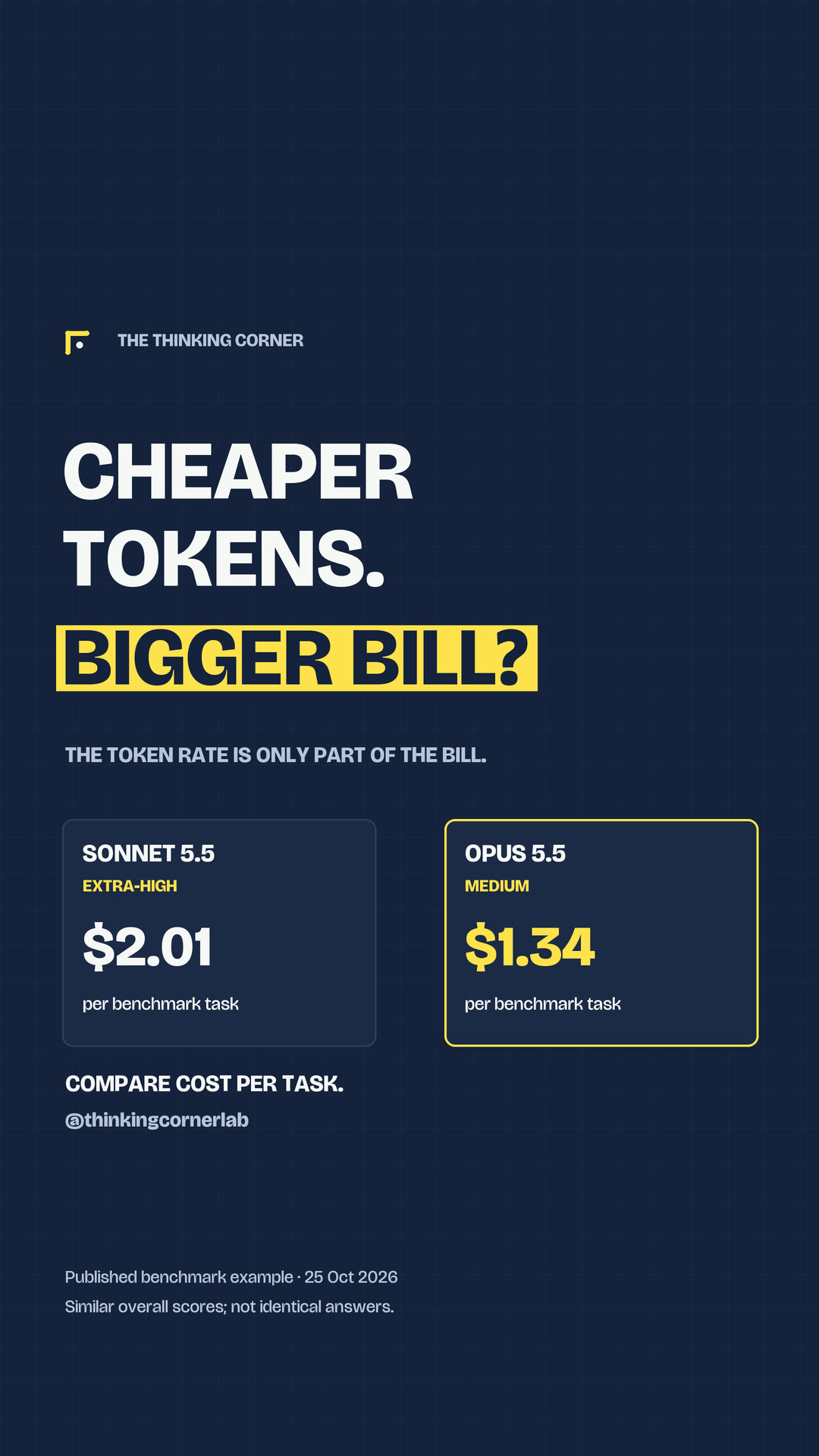
Choose a model that can do the job, tune its thinking effort, and compare the cost of the completed task. A lower token price is only part of the bill.
Keep the rules, the unfinished work and the reasons behind your decisions in your project folder. Then start a new AI chat with a clear place to pick up.
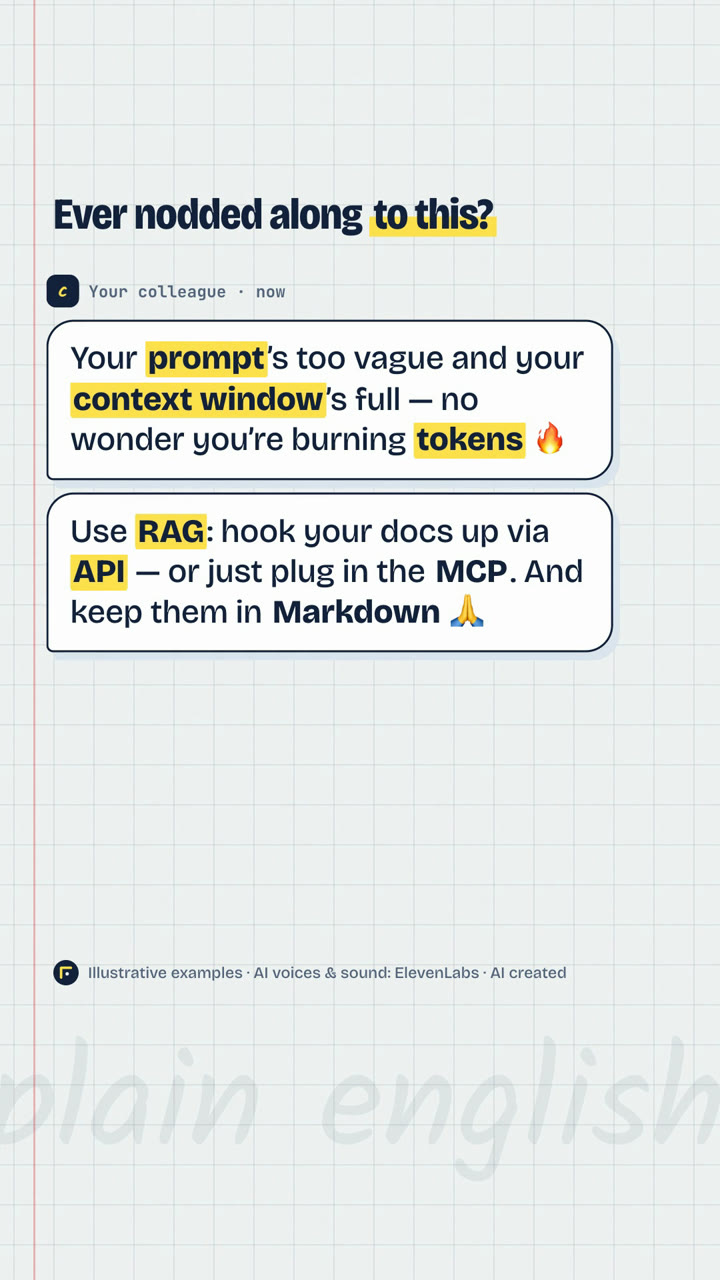
Prompt, context window, token, RAG, API, MCP and Markdown. Each one explained in a sentence, with an everyday picture and what it means when you use AI.
The code button in ChatGPT and Claude lets the AI work with a folder on your computer, and you don't write a single line. We ran the same request in both apps: same folder, same €1,026 quote, and both asked before sending.

Who's behind the corner
He works where finance, processes and technology meet: financial foundations for growing companies, an ERP connected to the business, and AI with human judgement. The rigour comes from seven years in a family office.
The Thinking Corner is where he tests things in the open and writes down what works.
psst Short reels on Instagram, longer notes here.