Stop typing short prompts. Talk it through.
When we type a request, we often cut it short. Said out loud, the same request tends to carry what the AI would otherwise guess. A fictional email to a landlord shows the five details worth saying, when the keyboard still wins, and why you read it back before you send.
Watch the reel
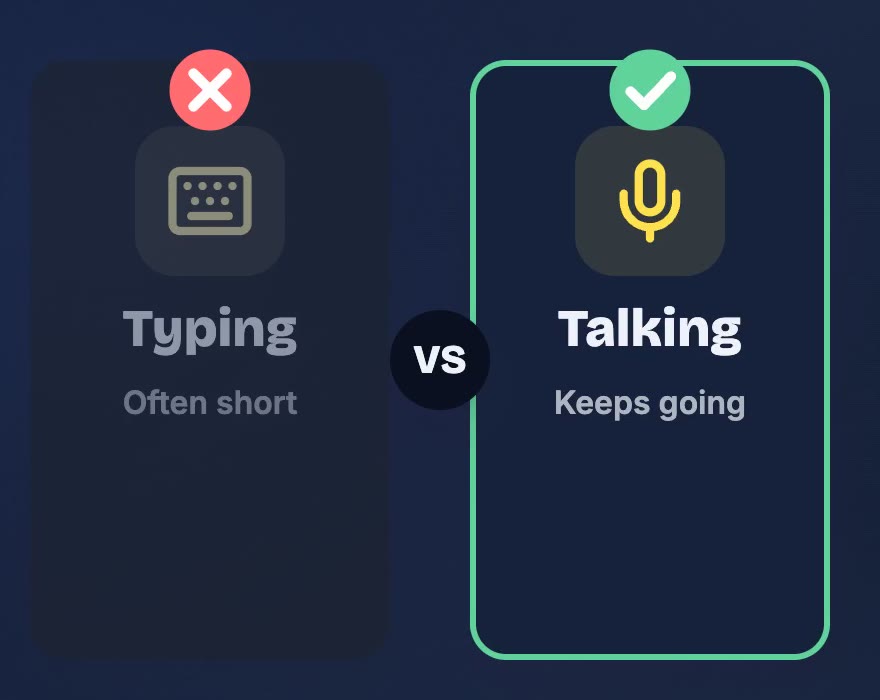
When we type a request to an AI, we often cut it short. One line, the bare minimum, and send. When we explain the same thing out loud, we tend to keep going: why it matters, what already happened, what we'd like it to sound like.
That extra talk isn't noise. Most of it is exactly what the AI would otherwise have to guess.
The same request, two ways
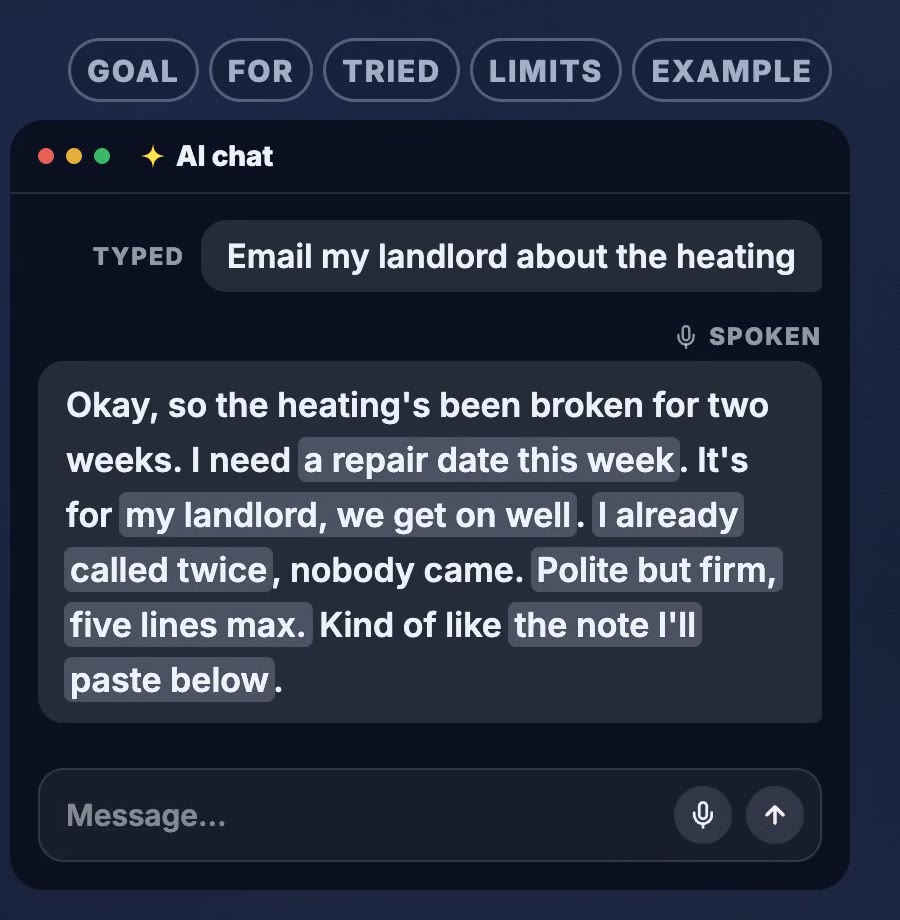
Here is the example from the reel. The message is fictional. Someone's heating has been broken for two weeks and they want help writing to their landlord.
Typed, it might look like this:
Email my landlord about the heating
Said out loud, it could sound more like this:
Okay, so the heating's been broken for two weeks. I need a repair date this week. It's for my landlord, we get on well. I already called twice, nobody came. Polite but firm, five lines max. Kind of like the note I'll paste below.
The spoken version is messier. It starts with "okay, so", it isn't in a neat order, and nobody would call it a well-written prompt. But it's quick to say, and it answers questions the typed version leaves open.
What the long version carries
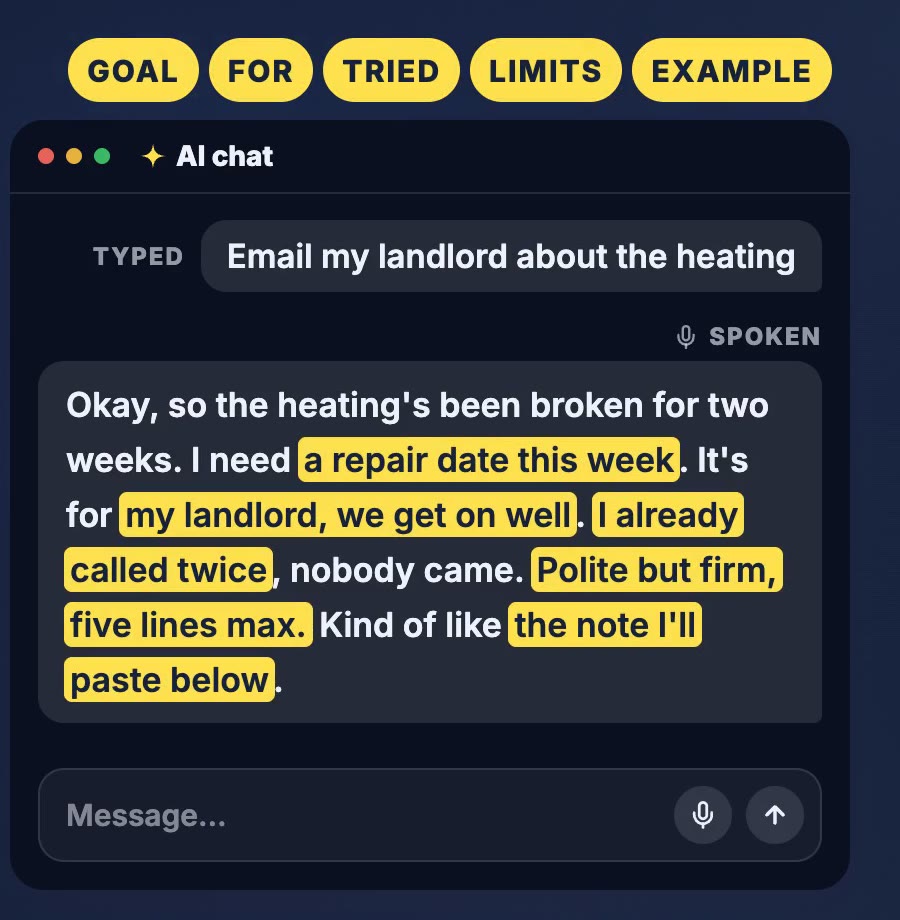
We marked five parts in the dictated message. They aren't an official list; they're our own way of checking that the important things got said.
| Part | In the example | Without it, the AI has to guess |
|---|---|---|
| Goal | a repair date this week | whether you want a complaint, a reminder or a date |
| Who it's for | my landlord, we get on well | how formal or how sharp to be |
| What you tried | I already called twice | whether this is the first message or a follow-up |
| Limits | polite but firm, five lines max | the length and the tone |
| Example | the note I'll paste below | what "good" looks like to you |
You don't need to recite them like a form. Talk the way you'd explain it to a friend, and use the five as a quick check at the end: did I say what I want, who it's for, what I tried, my limits, and what good looks like?
Why it helps
Anthropic's guide to prompting Claude puts it this way:
Think of Claude as a brilliant but new employee who lacks context on your norms and workflows. The more precisely you explain what you want, the better the result.
The same guide suggests a simple test: show your prompt to a colleague with little context on the task and ask them to follow it. If they'd be confused, Claude will be too.
Try that with "Email my landlord about the heating". A new colleague would have to ask how long it's been broken, whether you've already called, and how firm to be. The spoken version has already answered.
No guarantees, though. The right details can mean less guessing, but the AI can still get things wrong, and more words aren't automatically better. Details that have nothing to do with the task only give it more to sort through. The aim is the right details, and talking makes them easier to get out.
Ramble, then read it back
Talking is the easy part. The step that matters is the one before you press send: read it back.
- Check the words. Speech-to-text can get a word wrong. A wrong name, date or number changes the request.
- Cut what's off topic. If you drifted into something unrelated, delete it.
- Fill the gap. If one of the five parts is missing, add it now. Typing a few words into a spoken draft is fine.
If the request is long, you can also ask the AI to tell you what it understood before it starts. That's a cheap way to catch a misunderstanding early.
When typing is better
Talking isn't always the right tool. We wrote about this last year, and the short version still holds. Type when:
- The exact text matters: code, a formula, an address, an amount.
- It's a quick question: one fact needs a few words, not a minute of talk.
- You can't talk freely: a quiet office, a train, a room with other people.
- You already have it written: paste it rather than read it aloud.
Talking is most useful when the request is about your situation: a message to write, a decision to think through, a problem with some history behind it.
Try it once
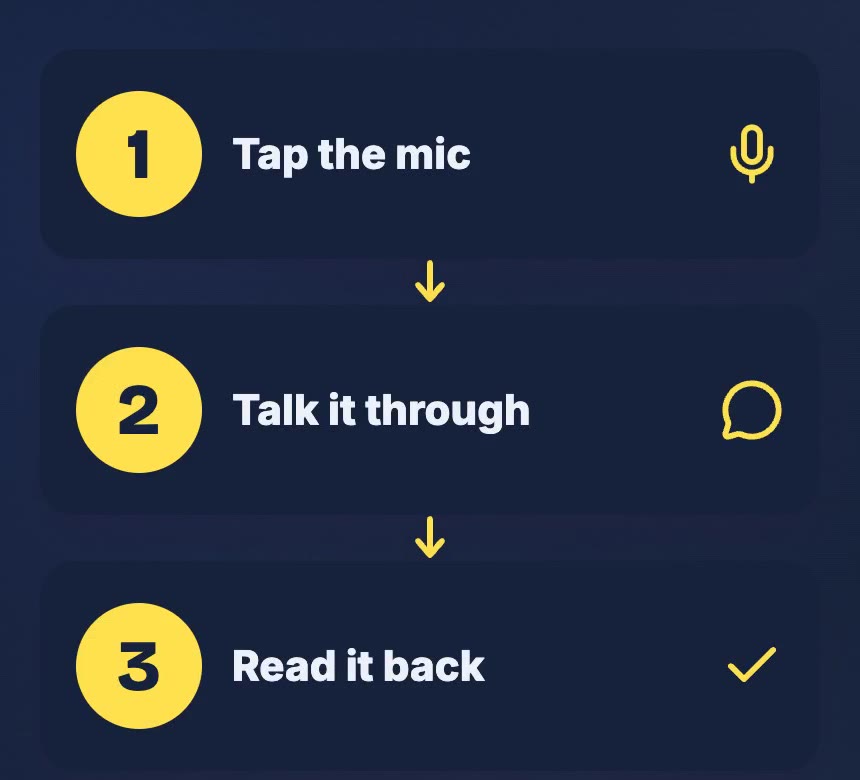
Next time you're about to type a one-line request, tap the mic instead. Talk it through for as long as feels natural, then read it back before you send. Compare the answer with what you usually get.
Do you type or talk to your AI?
Sources
- Anthropic: Prompting best practices (consulted 11 November 2026). The quote and the colleague test come from this page; the reel says "new hire" for "new employee".
The landlord message is fictional and no AI answer is shown. The five parts are our own checklist, not an official list. "We often cut it short" is an everyday observation, not a measured result. The reel is an illustration, not a recording of a live session. AI voice generated with Kokoro. Music: “The Duel” by Michael Ramir C. (Mixkit).