We write all day. What if you just said it?
Wispr Flow turns what you say into clean text in any app where you can type. We use it for three things: our own notes, meeting notes and prompts for AI. What it does, where it runs, what the free plan covers, and the two checks worth keeping.
Watch the reel
Most of our day is writing: emails, notes, documents, messages to an AI. Last week we wrote about why talking to your AI tends to give it the context it would otherwise guess. This note is about the tool that makes talking easy everywhere, not just in one chat app: Wispr Flow.
Anywhere you can type
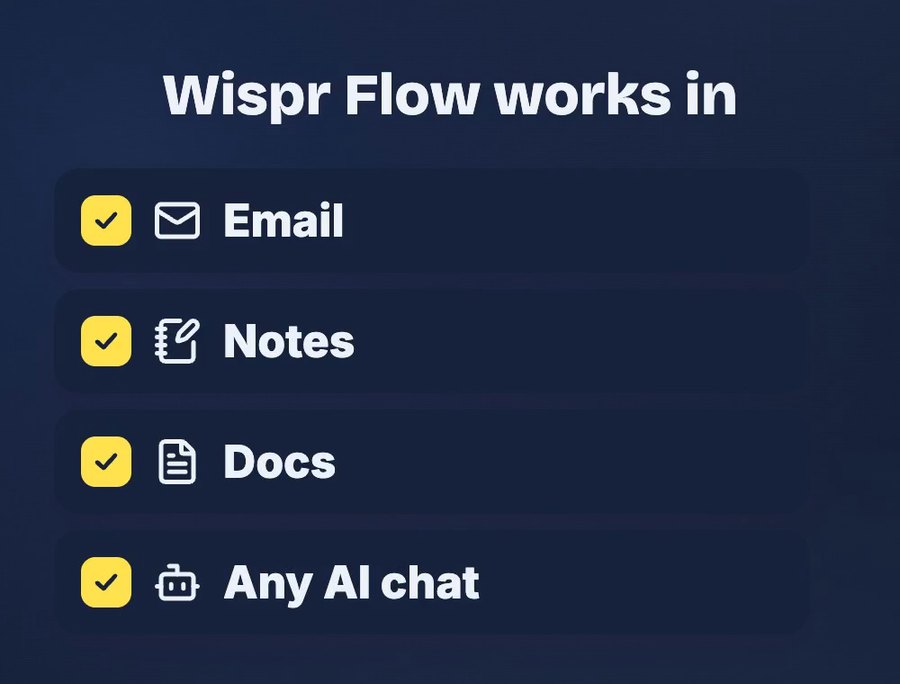
Wispr Flow is a dictation app. You hold a key (or tap on your phone), talk, and the text appears where your cursor is. Its website puts it this way: Flow "works anywhere you can type, with no plugins required".
That's the part that matters. You don't open a separate app, dictate, copy and paste. You stay in the email, the note, the document or the AI chat you were already using, and talk instead of typing.
It cleans up as you talk
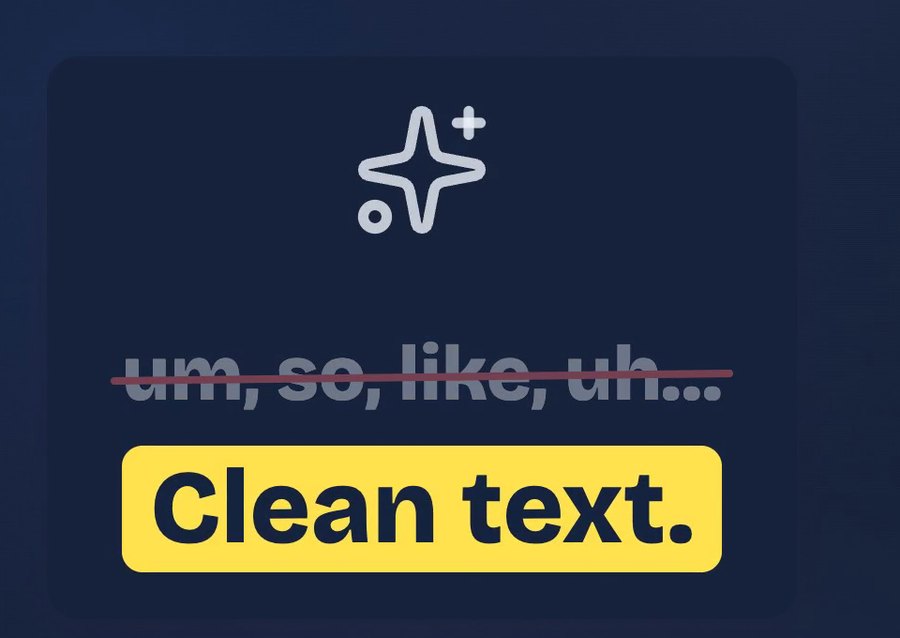
Plain speech-to-text writes down everything, including the "um", the "so, like" and the sentence you started twice. Wispr Flow tidies that up: according to its site, it "removes filler words, adds punctuation, and formats your writing".
It also tries to catch corrections. The example on its site: you say "let's meet at 5… actually 6pm" and it writes "Let's meet at 6pm."
It's good, not perfect. Names, numbers and technical words are where any dictation slips, so read it back before you send. A wrong date or amount changes the message.
Three ways to use it
We use it for three things. They're the same three in the reel.
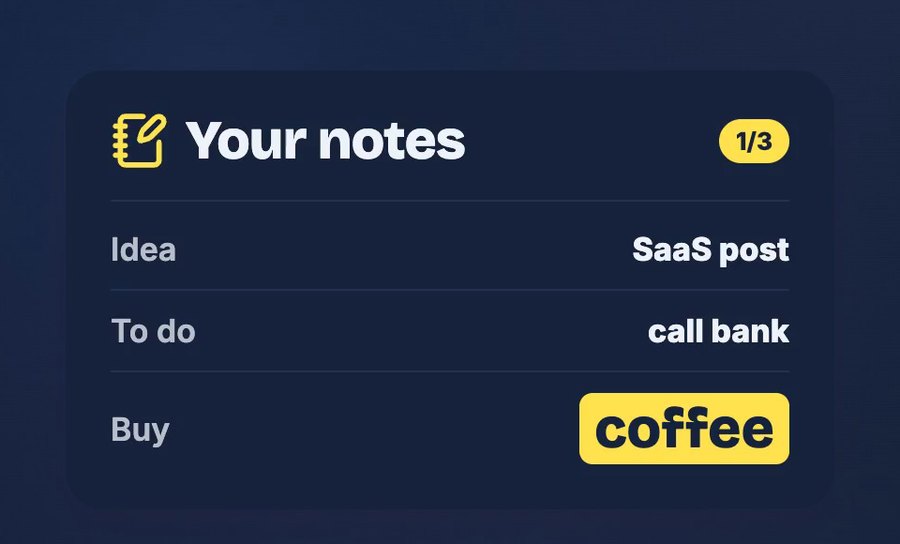
1. Your own notes. Ideas, to-dos, a shopping list, a thought you don't want to lose. Saying it takes a few seconds, so you're more likely to write it down at all.
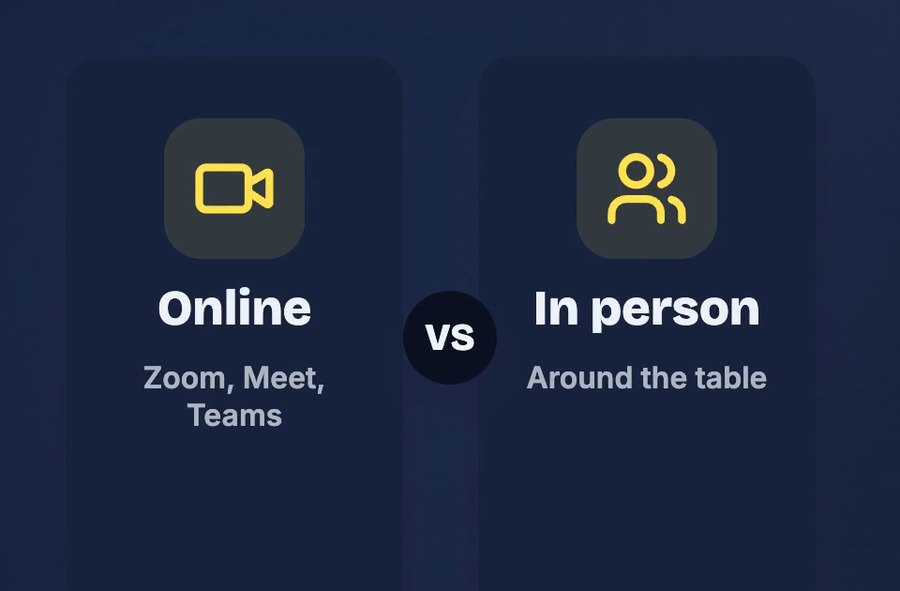
2. Meeting notes, online or in person. This is a separate part of the app called Notetaker. Its site says it works with Zoom, Google Meet, Microsoft Teams, Slack huddles and in-person meetings, and gives you "a transcript with speakers named, a summary organized by topic, and next steps". More on what to do first in the next section.
3. Prompts for any AI. This is where it pays off most for us. A spoken request is longer and carries more context than the one line we'd type. Instead of "plan a trip to Lisbon", you say what you actually want:
Plan 3 days in Lisbon: food, long walks, no museums.
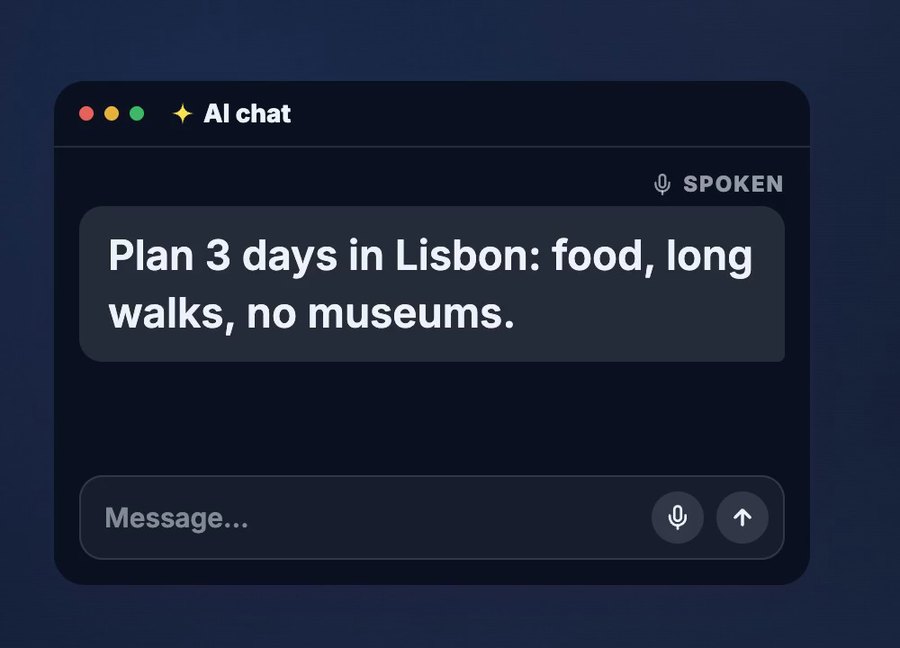
The Talk to your AI note has the five things worth saying (goal, who it's for, what you tried, limits and an example) and when typing is still better.
Before you record a meeting
Two checks before you turn on Notetaker:
- Tell everyone first. Recording people without saying so isn't fair, and depending on where you are and your company's rules, it may not be allowed. Say it at the start, and stop if someone isn't comfortable.
- Check where the recording goes. Wispr Flow says it never sells your data and that you choose whether your data is used to improve the product. For work meetings, your company's rules on recording and on AI tools still come first.
Where it runs and what it costs
Checked on Wispr Flow's website on 19 November 2026:
| What | Details |
|---|---|
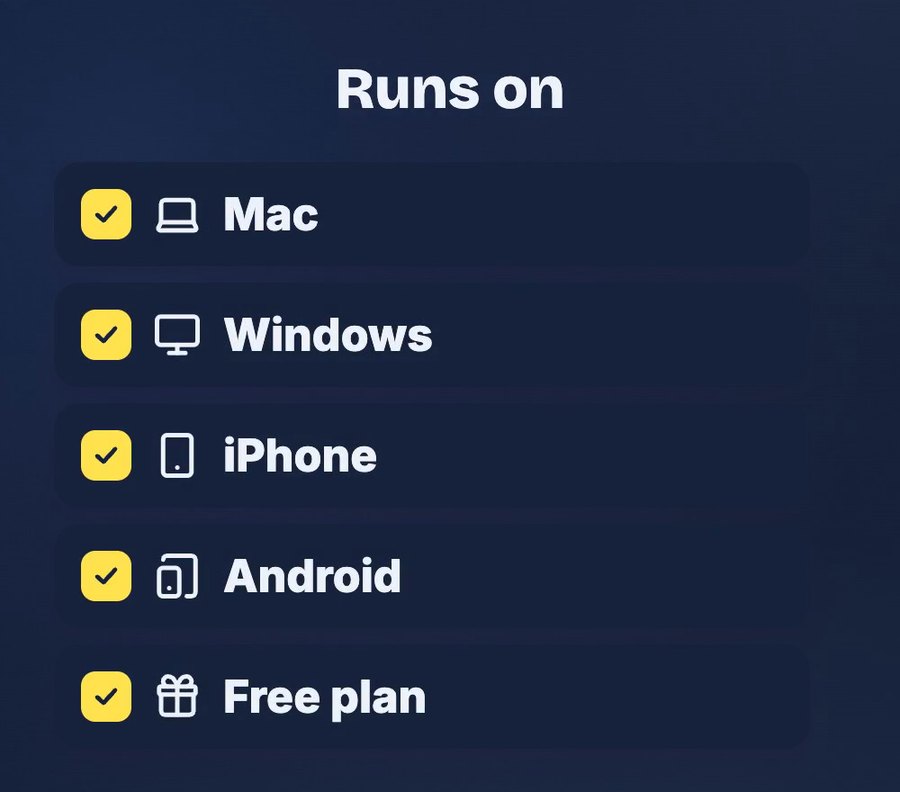
| Dictation | Mac, Windows, iPhone and Android |
| Notetaker (meetings) | Mac, Windows and iPhone; on Android it's listed as coming soon |
| Free plan | 2,000 words per week according to the homepage FAQ; no credit card needed |
| Pro | $15 per user per month, or $12 per month billed yearly |
The site also says Flow is "4x faster than your keyboard". That's the company's claim; we haven't measured it, and we don't need to. The reason we use it is simpler: when talking is easy, we write down more, and we give the AI more to work with.
Try it once
Install the free plan on the device you write on most. For one day, every time you're about to type more than a sentence (a note, a reply, a prompt), say it instead. Then read it back before you send.
Do you type or talk?
Sources
- Wispr Flow (consulted 19 November 2026): works anywhere you can type, cleanup of filler words, the correction example, Notetaker apps and output, platforms, data statements and the speed claim.
- Wispr Flow: Pricing (consulted 19 November 2026): free plan, no credit card, Pro prices.
The notes, meeting cards and Lisbon request are fictional, and no AI answer is shown. The apps in the reel are drawn illustrations, not screenshots of Wispr Flow or a recording of a live session. Product details come from Wispr Flow's website and can change; check it before you rely on them. AI voice generated with ElevenLabs. Music: “The Duel” by Michael Ramir C. (Mixkit).