Not a better prompt. Better context.
Eleven words, and the quote was made, checked and ready to send. The clever part wasn't the prompt. It was a folder with four files. Here is the whole setup, step by step.
One sentence. Quote made. Email ready to send.
That is what our client got the first time he tried it. He runs a small design studio, and this was the whole request:
Quote Cafe Luma for a Website Refresh. Summer discount. Send it.
Eleven words. No price, no client details, no percentage. Everything else was already written down. This note walks through the setup behind the reel, file by file, so you can copy the idea.
Before: a chat and three jobs by hand
He already used AI the way most people do. He opened a chat and asked for a quote. The chat had to ask him everything back: which service, what price, any discount?
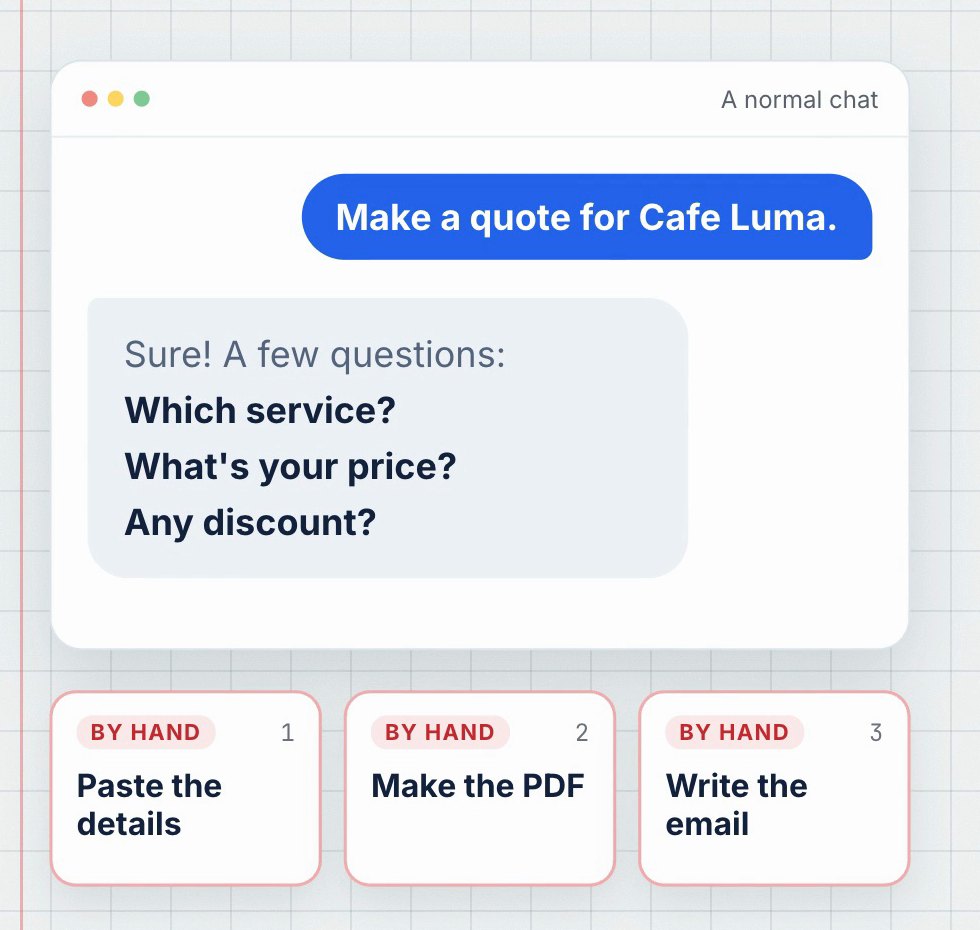
So he pasted the details, copied the answer into a document, turned it into a PDF and wrote the email himself. It worked. But every quote started from zero, every detail depended on his memory, and the result lived in a chat, not in his files.
The folder: his business, written down
The change wasn't a new tool or a cleverer prompt. He put what a quote needs into one folder.
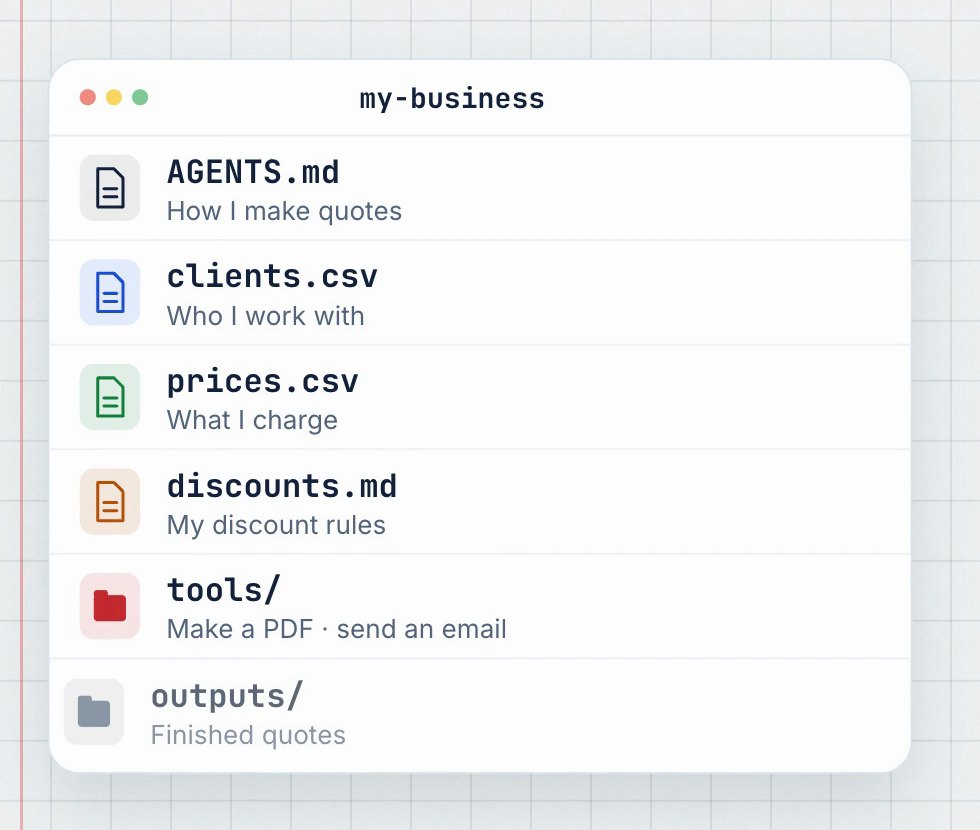
These are plain files: two small tables and two short notes. This is what they contain (fictional data):
# clients.csv · who he works with
client_id,name,contact,email
cafe-luma,Cafe Luma,Marta,hello@cafeluma.example
northwind-bakery,Northwind Bakery,Leo,orders@northwind.example
# prices.csv · what he charges
product_id,name,price_eur,includes
website-refresh,Website Refresh,1140.00,Homepage + menu; Contact form; Mobile layout; 2 revision rounds
logo-refresh,Logo Refresh,480.00,3 concepts; 2 revision rounds; Final files# discounts.md · his discount rules
- Summer discount: 10% of the product price. Only when I ask for it.
- Returning client: 5% of the product price. Only when I ask for it.
- Discounts never stack. If none is requested, apply none.The folder also has a tools folder, with one small script that makes the PDF and one that sends the email, and an outputs folder where finished quotes go.
The file that says how he works
The most important file is the shortest one. AGENTS.md describes his way of making a quote, in his own words:
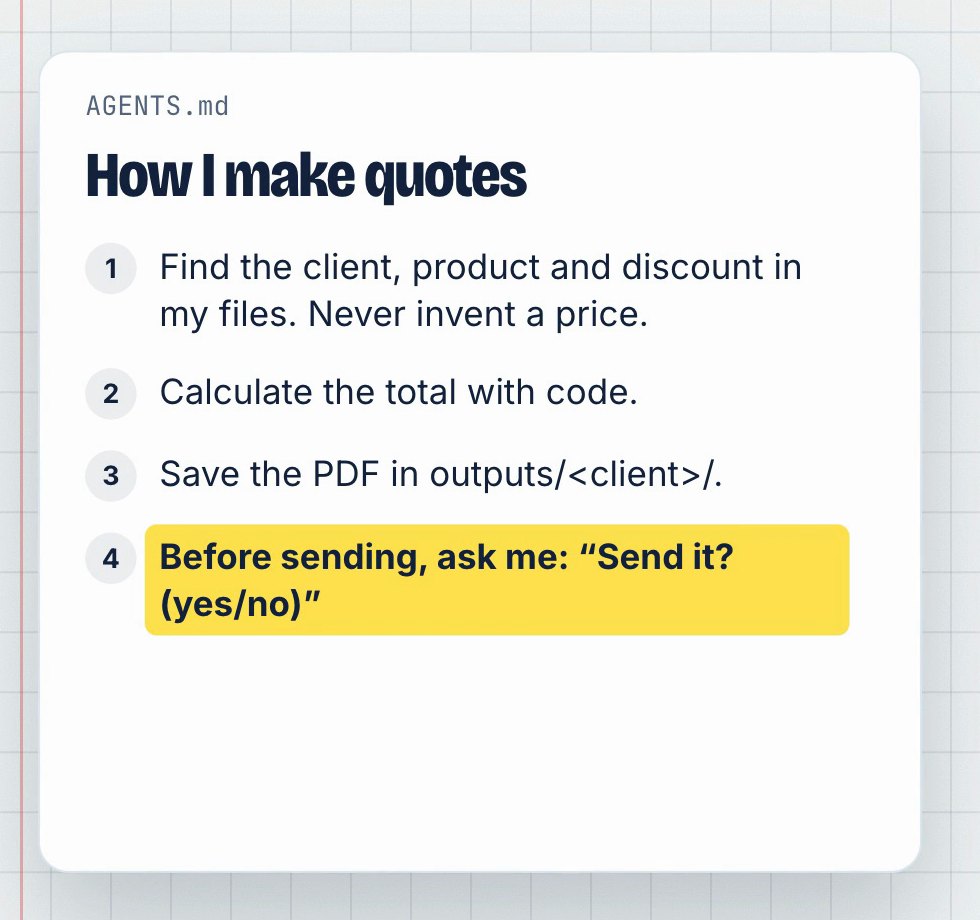
# How I make quotes

All data in this folder is fictional (synthetic example).

1. Find the client in `clients.csv`, the product in `prices.csv` and any requested discount in `discounts.md`. Never invent a price, client or discount; if something is missing or ambiguous, ask.
2. Calculate the total with code, not in your head. Prices are in EUR, before tax.
3. Create the PDF with `tools/quote_pdf.py <quote.json>` and save it in `outputs/<client-id>/`.
4. Before sending, show me: recipient, subject, total and attachment. Then ask "Send it? (yes/no)" and stop.
5. Only after I answer yes, send with `tools/send_email.py`. Never send any other way.
Each line removes a way for things to go wrong. Rule 1 stops the agent from guessing. Rule 2 keeps the maths out of the language model. Rules 4 and 5 keep the last word with him.
↑ Codex reads AGENTS.md. Claude Code reads CLAUDE.md. In this folder, CLAUDE.md has a single line, @AGENTS.md, so both agents follow the same rules.
What the agent did
He opened an agent in that folder, Codex in this case, and typed the sentence. The agent:
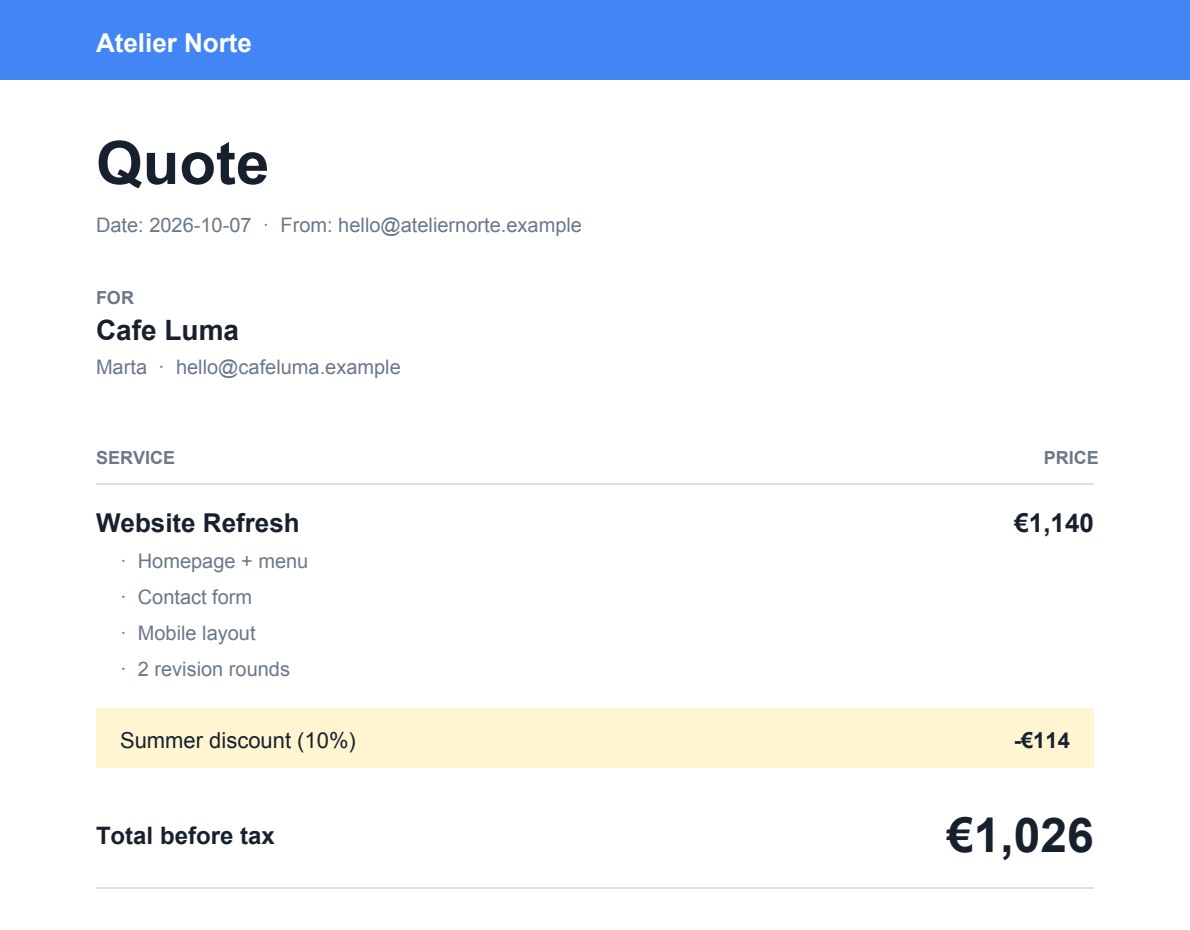
- found Cafe Luma in
clients.csv, with Marta as the contact, - took the Website Refresh price from
prices.csv: €1,140, - applied the summer rule from
discounts.md: 10 %, so €114 off, - ran a short calculation in code: €1,140 − €114 = €1,026 before tax,
- built the PDF with the quote tool, which checks the arithmetic again and refuses to write a PDF that doesn't add up,
- saved it as
outputs/cafe-luma/quote-2026-10-07.pdf.
Then it stopped and asked
This is the agent's actual message at the end of the first step, word for word:
Prepared the quote PDF.

Recipient: Marta at hello@cafeluma.example
Subject: Quote for Website Refresh
Total: €1,026.00 before tax
Attachment: quote-2026-10-07.pdf

Send it? (yes/no)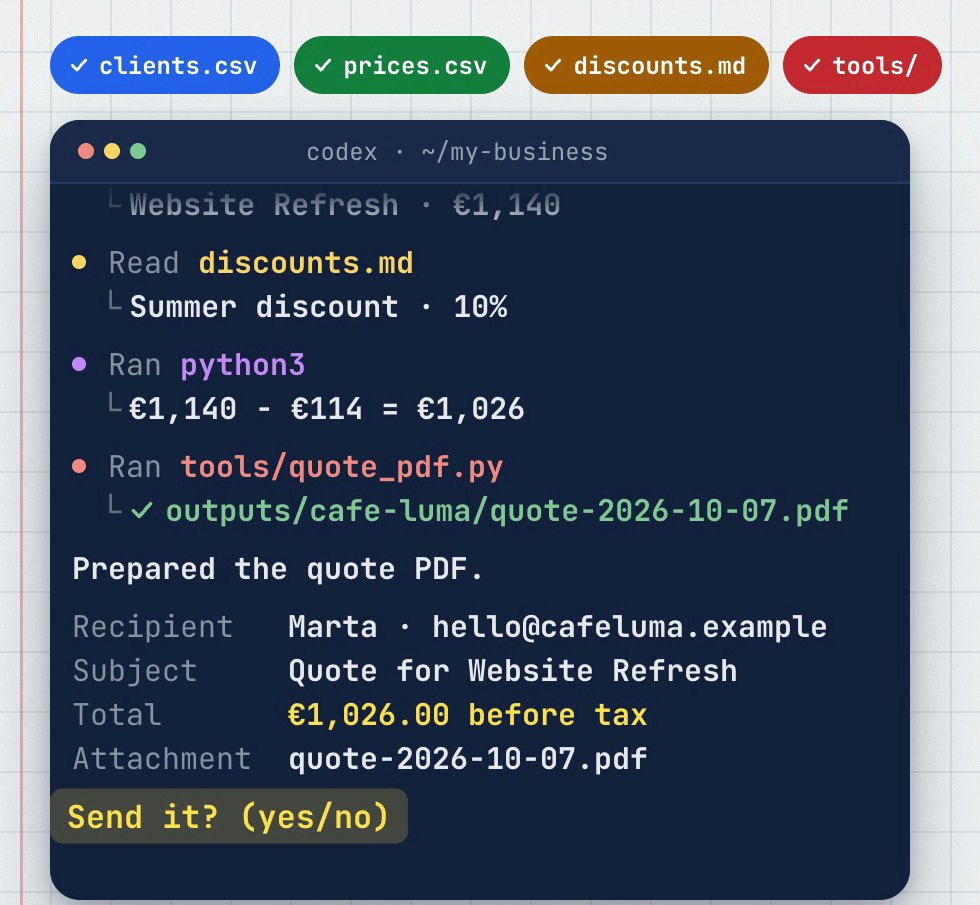
He opened the PDF, compared it with his files and typed "yes". Only then did the agent run the email tool. In this example, the email went to a demo mailbox.
Why this beats a longer prompt
The information lives in one place. The agent finds the price instead of being told it. Next week, the same request gives the same answer, because it reads the same files.
You can check every number. Each figure in the quote comes from a file you can open. You compare the result with the source instead of trusting a confident paragraph.
The rules don't depend on memory. "Ask before sending" is written once and it's there every time. You don't have to remember to say it.
It can still go wrong. A client name can match the wrong row, and a rule written vaguely gets followed vaguely. That's why the instructions say "if something is missing or ambiguous, ask", and why the final check is yours.
Try it with one task
Pick one task you repeat every week. A quote, a weekly report, a reply you write again and again. Then:
- put what it needs in a few files: who (clients), what (prices or products) and the rules,
- add a short instructions file that explains how you do it, including when to stop and ask,
- ask for one thing, in one sentence,
- check the result against your files before you let it act.
A first instructions file can be this short:
# How I make quotes
1. Find the client in clients.csv and the service in prices.csv. Never invent a price. If something is missing, ask.
2. Calculate totals with code.
3. Save the result in outputs/<client>/.
4. Before sending anything, show me a summary and ask "Send it? (yes/no)".
Start small. One task that works is worth more than ten that almost do.
Questions? Ask us on Instagram and we'll answer in the comments.
Fictional client and data. The run is a real Codex execution (Codex CLI, 7 October 2026), recreated for the video with readable text. The email went to a demo mailbox, not to a real customer.